How to make loan payments
First Tech's online banking allows you to pay your loans quickly and easily from the comfort of your home. Before you get started, make sure you are registered for digital banking.
If you are on a mobile device, checkout our how-to guide for making loan payments through the First Tech mobile app.
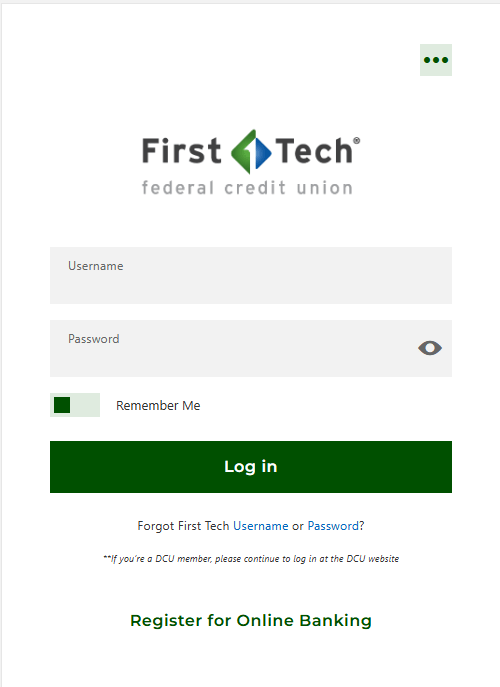
Step 2
Select ‘Transfer & Pay’ then click ‘Transfer’.
Step 3
In the ‘From Account’ field, select which account you would like to move money from.
Step 4
In the ‘To Account’ field, select the loan you would like to pay.
Step 5
Select the Amount, Frequency and Date.
Step 6
Select ‘Review Transfer’.
Step 7
Edit or Submit the transfer.